
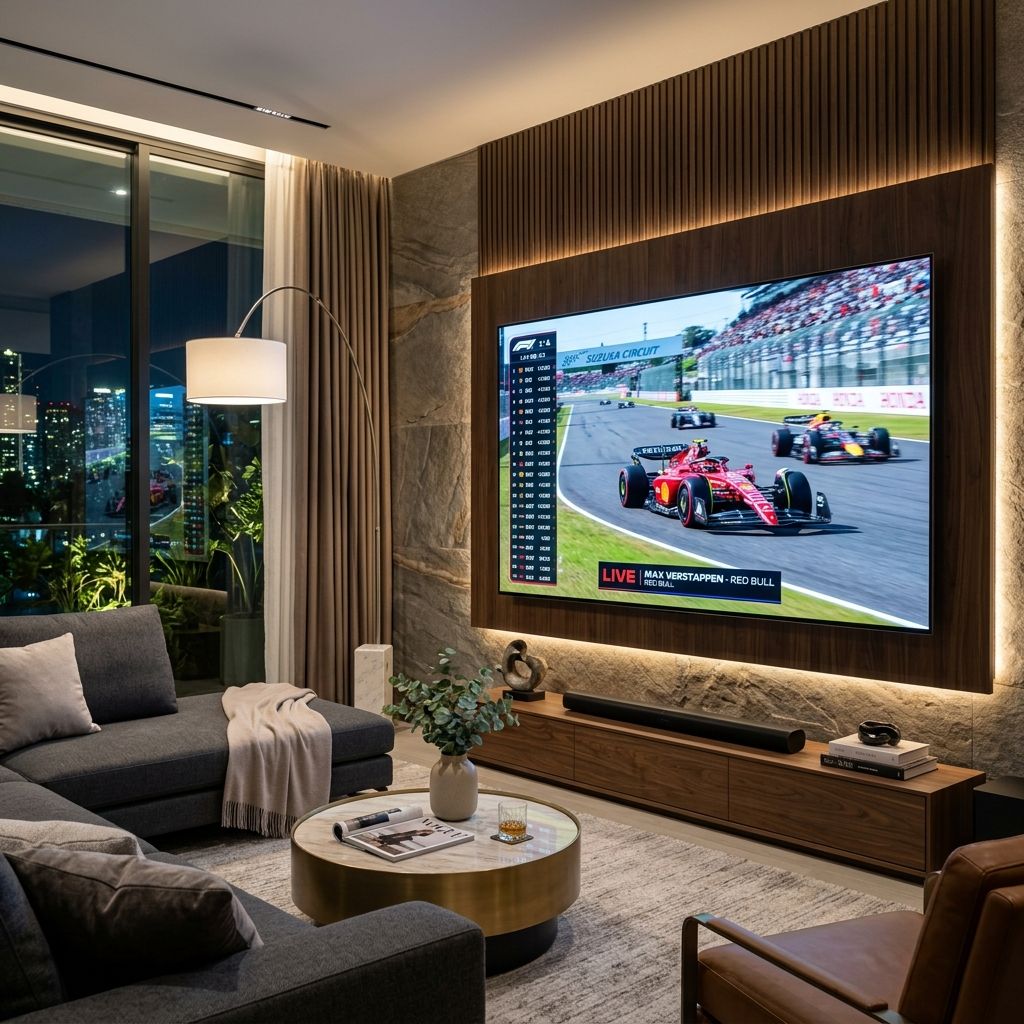
There's still a common myth that you need a separate streaming device to watch sports without cable – a Firestick, Roku, or Apple TV plugged into your TV. But if your TV was made in the last four or five years, you probably already have everything you need built right in.
Modern smart TVs run real operating systems with real app stores. Samsung, LG, and Sony TVs all have platforms that support every major streaming service directly. You don't need an extra box. You don't need more HDMI ports. You just need to know which apps to install and how to get the most out of what you already have.
This guide covers smart TV sports streaming in 2026 – which platforms handle it best, what to install, and how to watch live games without a cable subscription.
Smart TVs in 2026 – what they can actually do
The gap between smart TVs and dedicated streaming devices has narrowed considerably. A 2023 or newer Samsung, LG, or Sony TV runs just as well as a mid-range streaming stick for the most part. The processors are faster, the memory is larger, and the app stores are well-stocked with all the major sports apps.
Where smart TVs still sometimes fall short: older models from 2019 and earlier can be slow, and their app stores may not have the most current versions of apps. If you have a TV that's more than five or six years old, a Firestick or Roku plugged in is often a better experience than using the built-in smart TV platform.
But if your TV is recent, trust it. You're not missing anything by skipping the external streaming stick.
Samsung Tizen OS – most popular smart TV platform
Samsung Smart TVs (QLED, Neo QLED, The Frame)
Tizen OSThe most widely used smart TV platform in the US. Strong app library, Samsung Gaming Hub for game streaming, and clean interface. App store includes all major sports streaming apps.
Samsung's Tizen platform is found on pretty much every Samsung TV sold since 2015. The interface has been through several redesigns and the current version is genuinely good – apps load fast, the home bar is customizable, and navigation is smooth.
For sports, the Samsung app store has everything you need: YouTube TV, Fubo TV, Hulu Live, ESPN+, NFL+, MLB.TV, Peacock, Prime Video (for Thursday Night Football), and Zuzz TV. The free sports apps – Tubi, Pluto TV, and the broadcast network apps – are all there too.
One Samsung-specific feature worth knowing: Samsung TVs have a "Sports Alert" feature that sends notifications when games are starting. You can add your favorite teams and get reminded before tip-off or kickoff. It's a small touch but sports fans actually find it useful.
If your Samsung TV doesn't have an app you're looking for, check for updates first (Settings > Support > Software Update). Old firmware sometimes blocks app installations from the store.
LG webOS – best smart TV interface for sports
LG Smart TVs (OLED, QNED, NanoCell)
webOSLG's webOS is consistently rated the best smart TV interface for ease of use. The Magic Remote (pointer control) makes navigating streaming apps faster than most remotes.
Honestly, if I'm setting up a smart TV for a sports fan, LG with webOS is my first recommendation. The Magic Remote – a point-and-click remote that works like a laser pointer on screen – makes navigating menus and typing (for search, login) dramatically faster. Entering a password with a regular TV remote is painful; with the Magic Remote it takes seconds.
webOS has a solid app store with all the major sports streaming apps. LG has also pushed the Sports Alert feature hard in recent versions – you can follow teams and get live game notifications directly on the home screen.
LG's OLED TVs are also among the best screens available for sports: incredible contrast, deep blacks, and motion handling that keeps fast action clean. If picture quality is important to you, LG OLED + webOS is hard to beat as a sports TV setup.
Google TV – great if you use Android or Chromecast
Sony Bravia, Hisense (some models), TCL (some models)
Google TV / Android TVGoogle TV runs on Sony's entire Bravia lineup and many mid-range TVs. Best integration with Android phones – cast from phone to TV is seamless. Full Google Play Store for apps.
Google TV (formerly Android TV) runs on Sony Bravia TVs and many Hisense and TCL sets. The big advantage here is the Google Play Store: the same app store on your phone, with a huge library of apps. If an app exists on Android, it almost certainly works on Google TV.
Casting from an Android phone or Chrome browser is seamless on Google TV. If you're watching something on your phone and want to put it on the big screen, just tap the Cast icon. It's one of the most frictionless ways to get content from any source onto your TV.
Google TV also integrates with Google Assistant for voice search across apps. "Show me live NFL games tonight" pulls results from YouTube TV, ESPN+, Prime Video, and others simultaneously.
Watch live sports on Zuzz TV
Every game of the day on one schedule, on your phone, computer or smart TV. No cable box.
See today’s gamesHow to watch Zuzz TV on your smart TV using the browser
Zuzz TV works directly in any modern web browser – no app install required. Every major smart TV has a built-in browser, and they all handle zuzztv.com cleanly. Here's how to access it on each platform:
Samsung (Tizen OS) – Samsung Internet browser
Samsung TVs come with the Samsung Internet browser pre-installed. Press the Home button on your remote, then scroll through the apps row until you find "Internet" (it looks like a globe icon). Open it, type zuzztv.com in the address bar, and sign in. Once the player loads, use the fullscreen button or press Enter on your remote to go full screen. You can add zuzztv.com to your browser's bookmarks for one-click access in the future.
LG (webOS) – Built-in Web Browser
LG TVs have a Web Browser app accessible from the home bar. Press the Home button, look along the bottom app row for the Web Browser icon (a globe). If you don't see it, go to the LG Content Store and search "Web Browser" – it's a free first-party app. Open it, navigate to zuzztv.com, and sign in. LG's Magic Remote makes typing the URL much faster than a standard remote. Once the video is playing, click the fullscreen button to fill the screen.
Google TV / Android TV (Sony, Hisense, TCL)
Google TV comes with Chrome available from the Google Play Store. If Chrome isn't already installed, search for it in the Play Store and install it – it's free. Open Chrome, go to zuzztv.com, sign in, and watch. You can also use the "Cast" feature: if you're already signed in to Zuzz TV on your phone or laptop, tap the Cast button in Chrome or the Zuzz TV site, select your TV, and the stream moves to your big screen instantly.
Vizio SmartCast
Vizio's SmartCast platform has a built-in Internet app (also accessible via the V button on the remote). Open it, navigate to zuzztv.com, and sign in. Alternatively, use the Vizio SmartCast mobile app to cast from your phone directly to the TV – find the game on your phone's browser and cast it over.
Once you're signed in through the browser, Zuzz TV streams live sports – NFL, NBA, NHL, MLB, college football, soccer, and more – directly on your TV with no cable required and no geographic blackout restrictions.
Picture quality tips for sports on smart TVs
Bookmark Zuzz TV in your smart TV browser
After your first visit to zuzztv.com, use your browser's bookmark feature to save the site. On Samsung, tap the star icon in the address bar. On LG's Web Browser, tap the bookmark icon. On Chrome (Google TV), tap the three-dot menu and hit "Bookmark." Next time you want to watch, your Zuzz TV bookmark is one click away from the browser home screen.
Turn on Game Mode for lower latency
Game Mode (found in your TV's picture settings) reduces input lag by bypassing some of the TV's image processing. This matters for sports when you want the stream and the game to sync – lag between the TV audio and the stream can be disorienting. Game Mode typically improves this significantly.
Set motion processing to "Sport" or "Auto"
Most TVs have a dedicated Sport picture preset that enhances motion clarity and brightness. If your TV doesn't have this, look in the Advanced Picture settings for Motion Rate or TruMotion controls and set them to medium or sport. This reduces motion blur on fast-moving content like football or basketball.
Disable energy-saving modes during sports
Energy-saving features often dim the screen or lower processor performance. During live sports, disable them for the best viewing experience. You can find these in your TV's General or Eco settings.
Use a wired internet connection if possible
Most smart TVs have an ethernet port on the back. A wired connection to your router gives you a more stable stream than WiFi, which can fluctuate with interference from other devices in your home. For an important playoff game, the ethernet connection is worth the extra cable run.
Frequently asked questions
Can I watch live sports on a smart TV without any extra devices?
Yes, on any smart TV made in the last 4-5 years. Samsung, LG, Sony, and TCL all have app stores with every major sports streaming service. You don't need a Firestick or Roku if your TV's built-in platform is current.
How do I watch Zuzz TV on my smart TV?
Open your smart TV's built-in browser – "Internet" on Samsung, "Web Browser" on LG, Chrome on Google TV – and go to zuzztv.com. Sign in and start watching. No app download needed. You can also cast it from your phone or laptop browser to your TV using the Cast button in Chrome.
What is the best smart TV for watching sports?
For picture quality, LG OLED TVs are exceptional – the contrast and motion handling make sports look incredible. For smart platform ease of use, LG webOS and Samsung Tizen are both excellent. Google TV is best if you're in the Android/Google ecosystem.
Do smart TVs have blackout problems for sports?
The TV itself doesn't cause blackouts – that's a feature of the specific streaming services you use. MLB.TV and league apps have geographic blackout rules regardless of what device you're on. Zuzz TV doesn't apply those restrictions, so it streams live sports without blackouts on your smart TV the same way it does on any other device.
My smart TV is from 2019 – is it still good for sports streaming?
Probably. Check if your TV has received software updates recently. Older Tizen and webOS versions may not support the newest app versions. If your TV feels sluggish or apps crash, a Firestick 4K plugged into the HDMI port will give you a much faster experience and access to all current apps.
Watch live sports on Zuzz TV
Every game of the day on one schedule, on your phone, computer or smart TV. No cable box.
See today’s games Streaming Guide
 Devices